
領先一步
VMware 提供培訓和認證,助您加速進步。
瞭解更多我只是想在這裡記錄一下昨天讓我感到高興的一段經歷:在短短幾分鐘內,讓快速改進的 Spring Cloud Data Flow 從(Spring Boot)啟動器轉變為服務!
唯一的先決條件是執行一個 Redis 例項。我的 Redis 例項執行在
127.0.0.1上,Spring Boot 不需要進一步的配置就可以找到並與其協同工作。
我們將使用史詩級的 Spring Initializr 來快速生成我們的應用程式。還記得那些愚蠢的蘋果廣告,“那裡有一個應用程式可以解決它?” 忘了那回事吧,那裡有一個複選框可以解決它! 看看你是否喜歡這種體驗,就像我一樣!
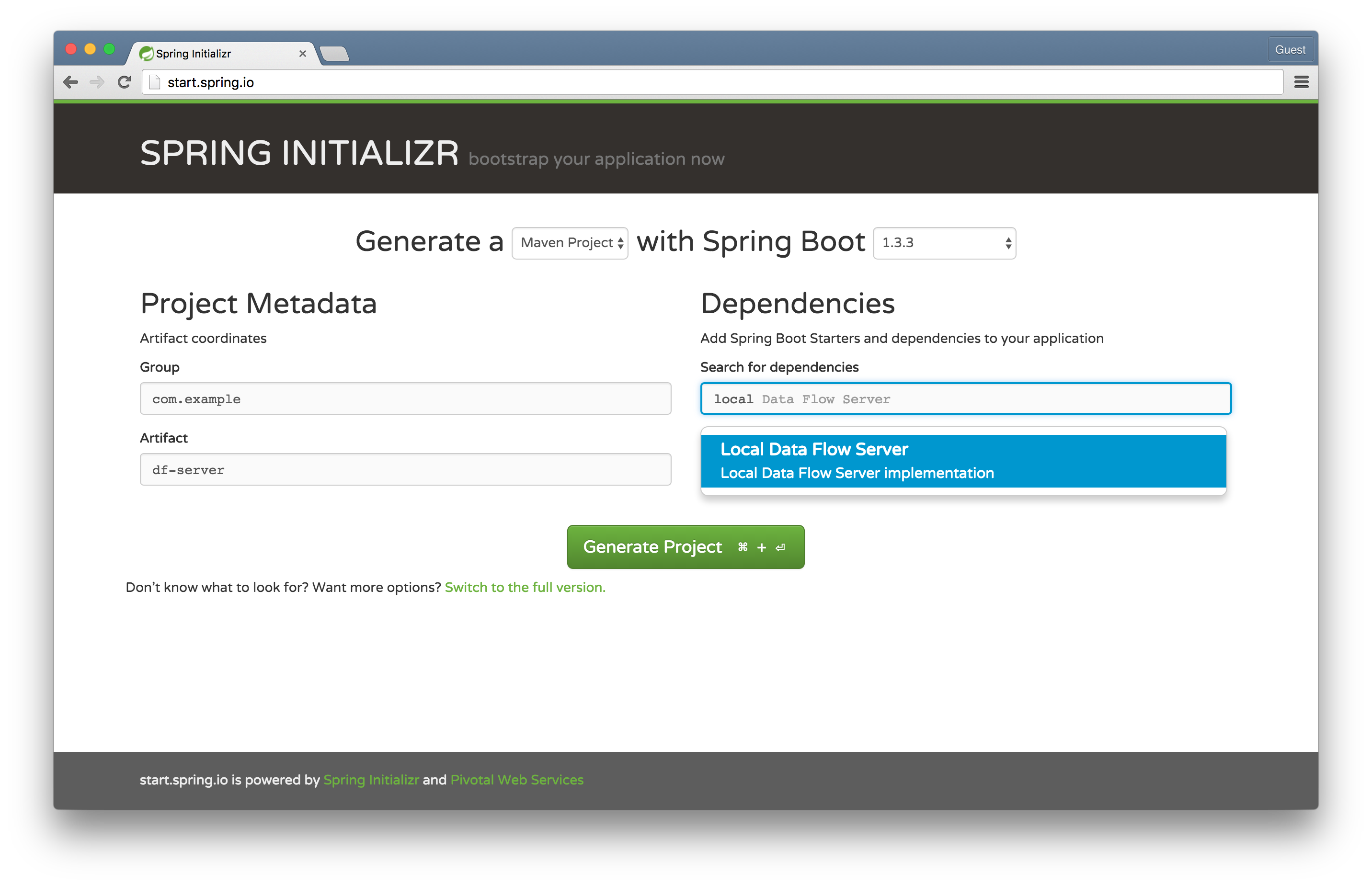
轉到 Spring Initializr,選擇 Local Data Flow Server,並將工件命名為 df-server。這將用於搭建本地資料流服務 - 一個 REST API 和一些持久化邏輯 - 以協調和儲存有關流和任務的資訊。在舊的 Spring XD 世界裡,這被稱為 Spring XDAdmin Server。
在您選擇的 IDE 中開啟專案,並將 @EnableDataFlowServer 新增到 DfServerApplication 類中。
package com.example;

import org.springframework.boot.SpringApplication;
import org.springframework.boot.autoconfigure.SpringBootApplication;
import org.springframework.cloud.dataflow.server.EnableDataFlowServer;

@EnableDataFlowServer
@SpringBootApplication
public class DfServerApplication {

	public static void main(String[] args) {
		SpringApplication.run(DfServerApplication.class, args);
	}
}
在 df-server 專案的根目錄下執行 mvn spring-boot:run,應用程式將在埠 9393 上啟動。
提示:當您看到歡迎使用的 ASCII 藝術作品時,就(很可能)成功了!
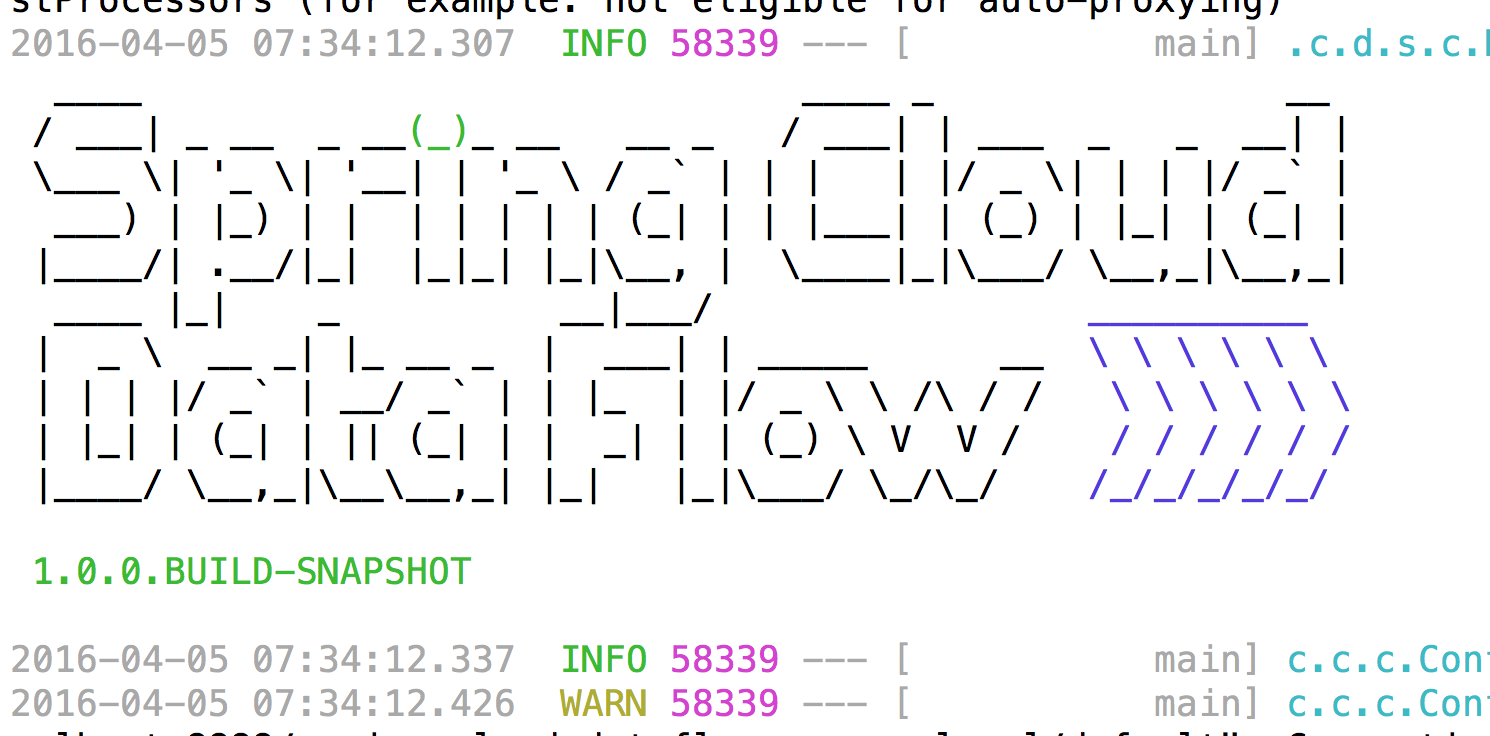
關於提示的提示:好吧,這可能不完全正確。它可能因為各種原因失敗(例如服務埠或嵌入式 H2 資料庫埠衝突),但根據(我的)研究...(我的研究物件是我自己)... 的研究表明,高質量的 ASCII 藝術作品具有治療作用。
轉到 Spring Initializr,選擇 Data Flow Shell,並將工件命名為 df-shell。這將用於搭建一個由 Spring Shell 驅動的資料流 Shell。
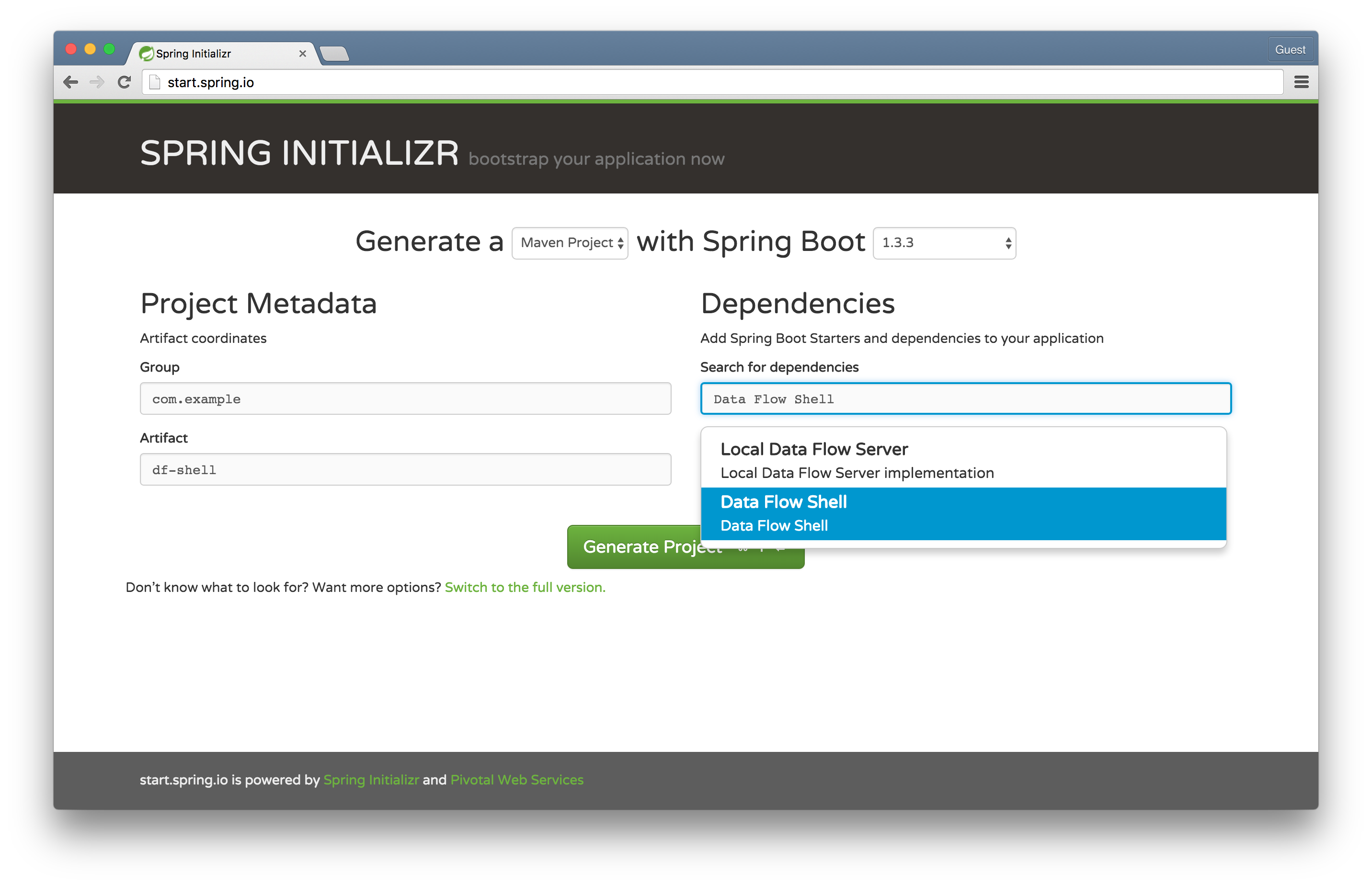
資料流 Shell 可以在任何作業系統上執行。它是我們剛剛搭建的資料流服務的客戶端。它允許我們使用熟悉的管道和過濾器 DSL 和命令來操作該服務。我喜歡好的橫幅 ASCII 藝術,就像下一個開發者一樣,但也有(天哪!)過猶不及。預設情況下,Spring Shell 和 Spring Boot 都會嘗試發出 ASCII 橫幅,所以我們將讓 Spring Boot 這次不發出橫幅!在您選擇的 IDE 中開啟專案,將 @EnableDataFlowShell 新增到 DfShellApplication 類中,然後配置 SpringApplication 的建立方式以隱藏 Spring Boot 橫幅。
package com.example;

import org.springframework.boot.Banner;
import org.springframework.boot.autoconfigure.SpringBootApplication;
import org.springframework.boot.builder.SpringApplicationBuilder;
import org.springframework.cloud.dataflow.shell.EnableDataFlowShell;

@EnableDataFlowShell
@SpringBootApplication
public class DfShellApplication {

	public static void main(String[] args) {
		new SpringApplicationBuilder(DfShellApplication.class)
				.bannerMode(Banner.Mode.OFF)
				.run(args);
	}
}
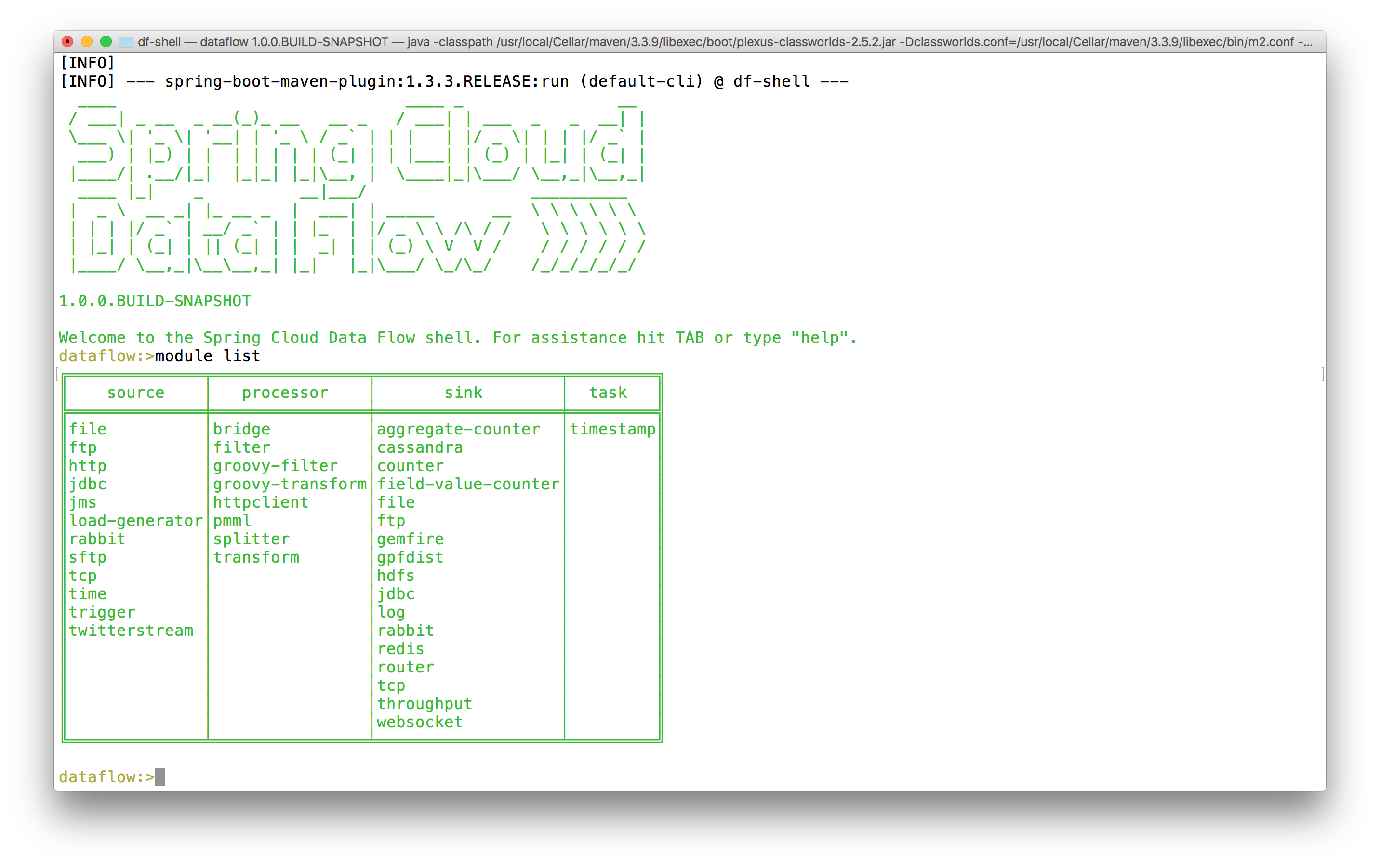
在 df-shell 專案的根目錄下執行 mvn spring-boot:run。預設情況下,您應該能夠與本地執行的資料流伺服器進行互動。嘗試發出 module list 命令。您應該會看到一個表格,列出 Spring Cloud Data Flow 已知的 auto-built 元件。
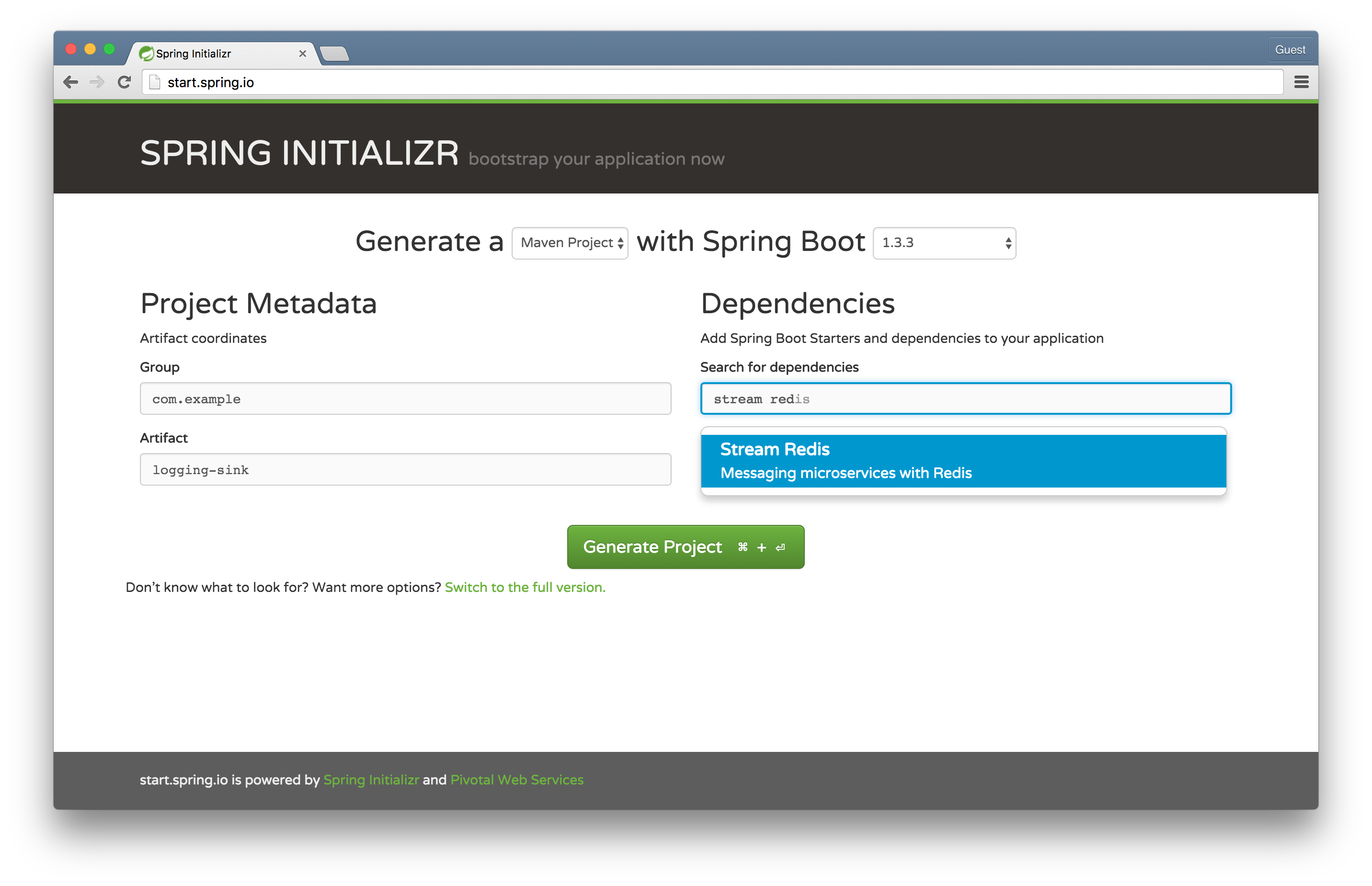
轉到 Spring Initializr,選擇 Stream Redis,並將工件命名為 logging-sink。我們將使用 Spring Cloud Stream,它構建在 Spring 的 MessageChannel 抽象和 Spring Integration 的元件模型之上,以簡潔地描述和整合基於訊息的微服務,來構建一個記錄傳入訊息的自定義模組。然後,我們將使用 Spring Cloud Data Flow 來部署和協調這個模組。
Spring Cloud Data Flow 是一種強大的方式,可以用小型 Spring Boot 驅動的模組來描述複雜的整合、批處理和流處理工作負載。有幾種型別的 module。source 產生資料,通常是按固定時間間隔產生的,下游元件可以消費和處理這些資料。processor 接收資料,對其進行處理,然後寫出資料。sink 僅接收資料,但不產生任何要傳送出去的內容。這些元件可以很好地組合在一起,以描述任何可能不間斷的工作負載(物聯網感測器資料、24/7 事件處理、線上事務資料攝取和整合場景等)。最終,source 通常是 Spring Integration 的入站介面卡。Processor 通常是任何接受資料並輸出資料的 Spring Integration 元件(例如轉換器)。Sink 通常是 Spring Integration 的出站介面卡。
task 描述了任何最終會停止的工作負載。它可能是一個簡單的 Spring Boot Command Line Runner 或一個 Spring Batch Job。
Spring Cloud Data Flow 本身並不特別瞭解 Spring Integration。它只瞭解 Spring Cloud Stream 和眾所周知的 Spring MessageChannels,如 input 和 output。它不關心這些通道的終結點是什麼。Spring Cloud Data Flow 也不特別瞭解 Spring Batch。它只瞭解 Spring Cloud Task。
就像 UNIX sh shell 環境透過將資料傳遞給 stdin 和 stdout,從而允許我們透過簡單聚焦的命令列工具組合任意數量和任意複雜度的解決方案一樣,Spring Cloud Data Flow 也允許我們透過簡單聚焦的訊息元件來組合任意數量和任意複雜度的解決方案。
Spring Cloud Data Flow 已經包含了很多“開箱即用”的功能。我們將開發並安裝一個簡單的模組來記錄資訊——在這種情況下,是時間。值得注意的是,我們這樣做是為了我們自己的教育目的,但我們不必這樣做;Spring Cloud Data Flow 已經提供了一個 log 模組!(還有一個 time 模組!)
package com.example;

import org.springframework.boot.SpringApplication;
import org.springframework.boot.autoconfigure.SpringBootApplication;
import org.springframework.cloud.stream.annotation.EnableBinding;
import org.springframework.cloud.stream.messaging.Sink;
import org.springframework.integration.annotation.MessageEndpoint;
import org.springframework.integration.annotation.ServiceActivator;
import org.springframework.messaging.handler.annotation.Headers;
import org.springframework.messaging.handler.annotation.Payload;

import java.util.Map;

@EnableBinding(Sink.class)
@SpringBootApplication
public class LoggingSinkApplication {

	@MessageEndpoint
	public static class LoggingMessageEndpoint {

		@ServiceActivator(inputChannel = Sink.INPUT)
		public void logIncomingMessages(
				@Payload String msg,
				@Headers Map<String, Object> headers) {

			System.out.println(msg);
			headers.entrySet().forEach(e ->
					System.out.println(e.getKey() + '=' + e.getValue()));

		}
	}

	public static void main(String[] args) {
		SpringApplication.run(LoggingSinkApplication.class, args);
	}
}
這是一個簡單的 Spring Cloud Stream 繫結。Sink.class 是一個介面,它定義了一個 MessageChannel input()。Spring Cloud Stream 將其轉換為一個活動的、命名的訊息代理(在本例中是 Redis,儘管 Spring Cloud Data Flow 的預設配置在未來幾個月內可能會更改為 RabbitMQ),我們的任何訊息程式碼都可以使用它。該示例使用 Spring Integration 在接收訊息時將傳入訊息資料打印出來。讓我們首先向 Data Flow 註冊我們的自定義模組,然後組合一個流,該流從 time 元件接收包含時間的傳入訊息,然後記錄結果。
首先,在 logging-sink 專案的根目錄下執行 mvn clean install,以便在本地 Maven 儲存庫中解析它。Spring Cloud Data Flow 使用一個可插拔的策略來解析自定義模組的例項。在我們的示例中,它將嘗試在我們的系統本地 Maven 儲存庫中解析它們。
回到 Data Flow Shell,輸入以下內容:
dataflow:>module register --name custom-log --type sink --uri maven://com.example:logging-sink:jar:0.0.1-SNAPSHOT
Successfully registered module 'sink:custom-log'

dataflow:>module list
╔══════════════╤════════════════╤═══════════════════╤═════════╗
║    source    │   processor    │       sink        │  task   ║
╠══════════════╪════════════════╪═══════════════════╪═════════╣
║file          │bridge          │aggregate-counter  │timestamp║
║ftp           │filter          │cassandra          │         ║
║http          │groovy-filter   │counter            │         ║
║jdbc          │groovy-transform│custom-log         │         ║
║jms           │httpclient      │field-value-counter│         ║
║load-generator│pmml            │file               │         ║
║rabbit        │splitter        │ftp                │         ║
║sftp          │transform       │gemfire            │         ║
║tcp           │                │gpfdist            │         ║
║time          │                │hdfs               │         ║
║trigger       │                │jdbc               │         ║
║twitterstream │                │log                │         ║
║              │                │rabbit             │         ║
║              │                │redis              │         ║
║              │                │router             │         ║
║              │                │tcp                │         ║
║              │                │throughput         │         ║
║              │                │websocket          │         ║
╚══════════════╧════════════════╧═══════════════════╧═════════╝

dataflow:>stream create --name time-to-log --definition 'time | custom-log'
Created new stream 'time-to-log'

dataflow:>stream list
╔═══════════╤═════════════════╤══════════╗
║Stream Name│Stream Definition│  Status  ║
╠═══════════╪═════════════════╪══════════╣
║time-to-log│time | custom-log│undeployed║
╚═══════════╧═════════════════╧══════════╝

dataflow:>stream deploy --name time-to-log
Deployed stream 'time-to-log'
您將在 Data Flow 服務日誌中看到模組已被啟動並縫合在一起。在我的特定日誌中,我觀察到
2016-04-05 09:09:18.067  INFO 58339 --- [nio-9393-exec-3] o.s.c.d.spi.local.LocalAppDeployer       : deploying app time-to-log.custom-log instance 0
   Logs will be in /var/folders/cr/grkckb753fld3lbmt386jp740000gn/T/spring-cloud-dataflow-2481763302070183542/time-to-log-1459861757641/time-to-log.custom-log
2016-04-05 09:09:30.838  INFO 58339 --- [nio-9393-exec-3] o.s.c.d.spi.local.LocalAppDeployer       : deploying app time-to-log.time instance 0
   Logs will be in /var/folders/cr/grkckb753fld3lbmt386jp740000gn/T/spring-cloud-dataflow-2481763302070183542/time-to-log-1459861757641/time-to-log.time
尾隨日誌以確認您內心深處已經知道的事情:我們的自定義 logging-sink 正在工作!
tail -f /var/folders/cr/grkckb753fld3lbmt386jp740000gn/T/spring-cloud-dataflow-2481763302070183542/time-to-log-1459861757641/time-to-log.custom-log/std*
走向雲端!我們正在使用本地資料流伺服器。對於像 Cloud Foundry 這樣的處理環境,還有其他實現可供選擇。Cloud Foundry 資料流伺服器會啟動應用程式例項,而不是本地 Java 程序。現在,構建一個可擴充套件的資料攝取和處理流就像 cf push .. 和 cf scale -i $MOAR 一樣簡單!
我們只使用了 Spring Cloud Data Flow 的一些功能!使用 Spring Cloud Data Flow 來協調任何數量的基於訊息的微服務,這些微服務由 Spring Cloud Stream 提供支援。我建議您檢視一些 內建的 Spring Cloud Stream 模組 以獲取靈感。